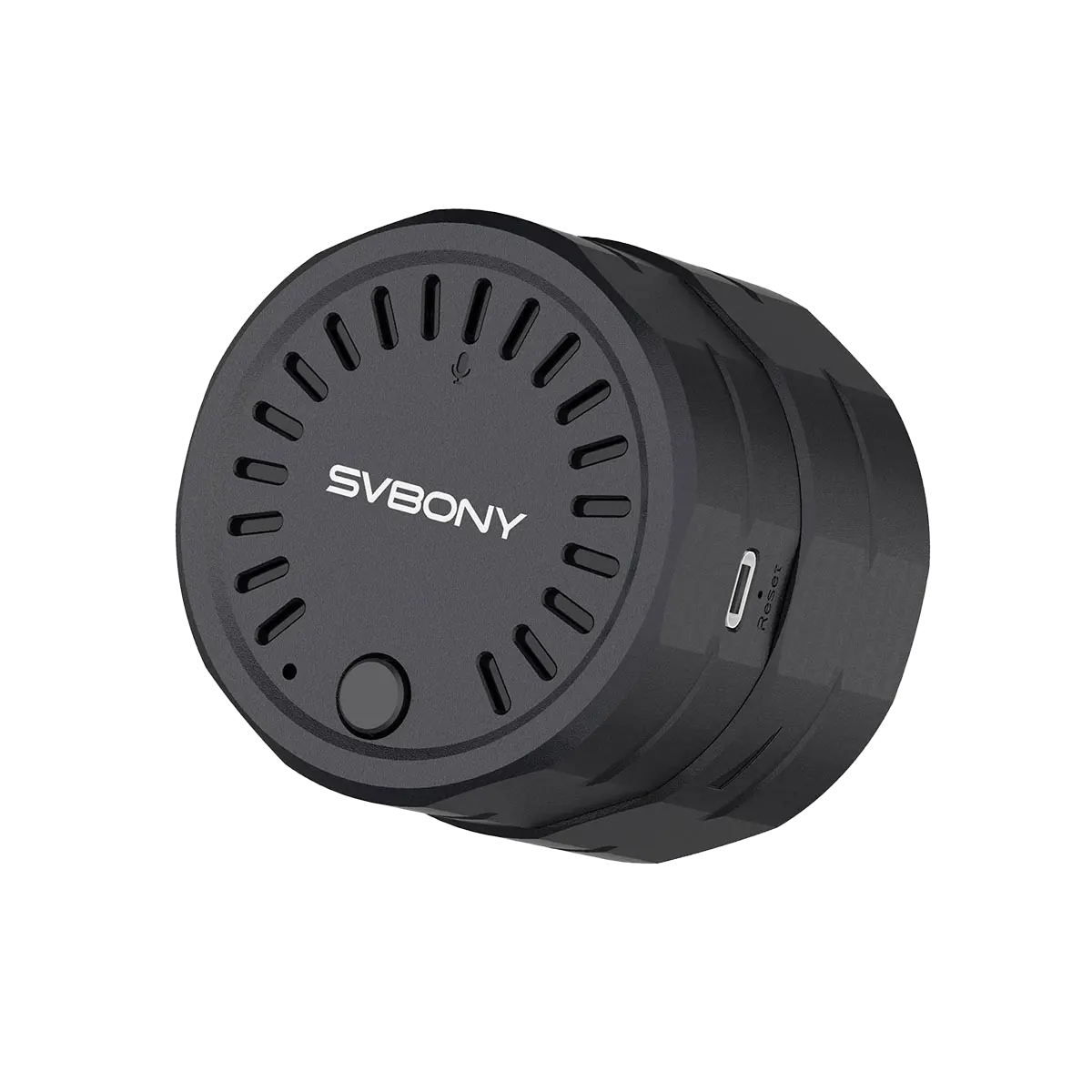
SVBONY SC002 WIFI Electronic Eyepiece Camera for Digiscoping
$68.78
$85.29
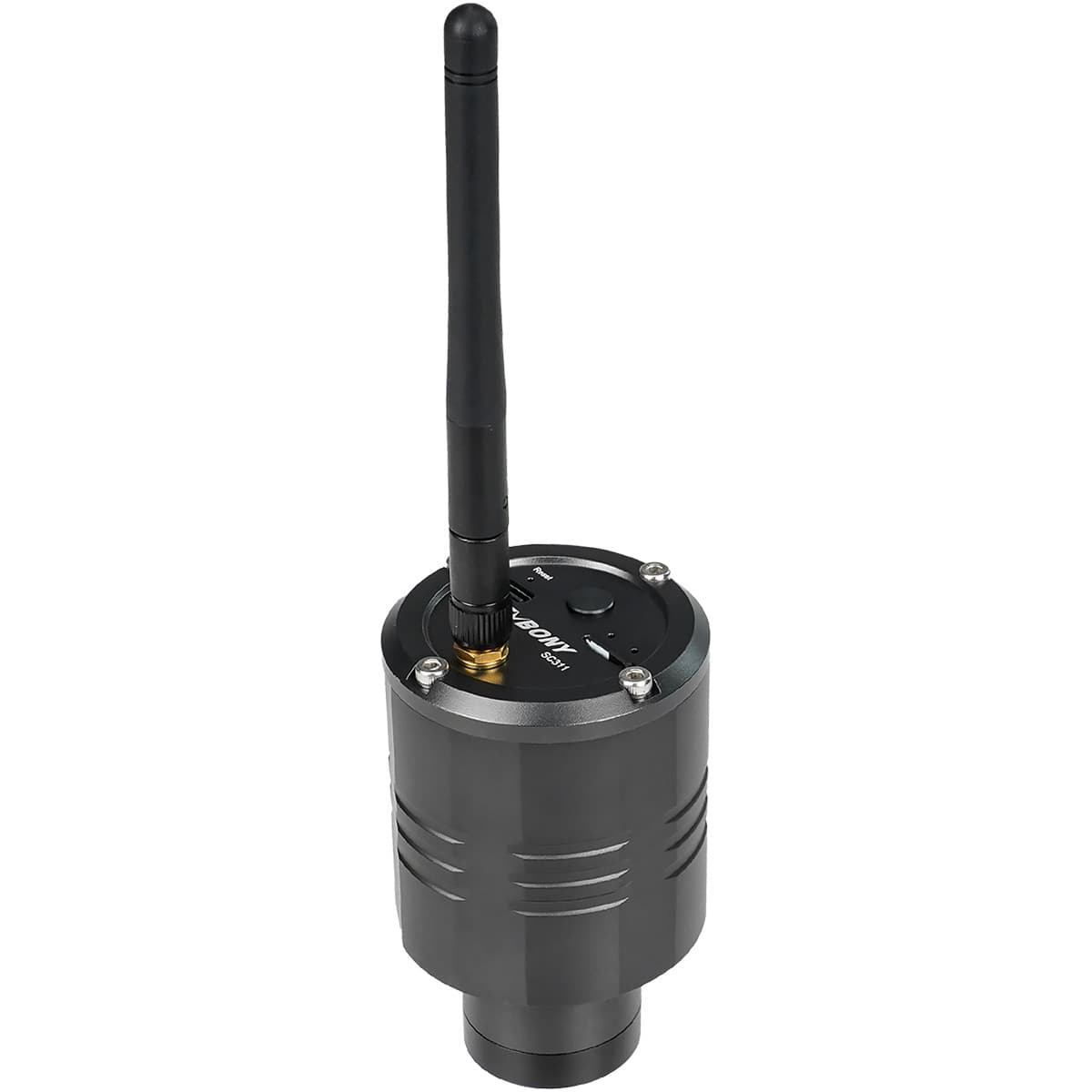
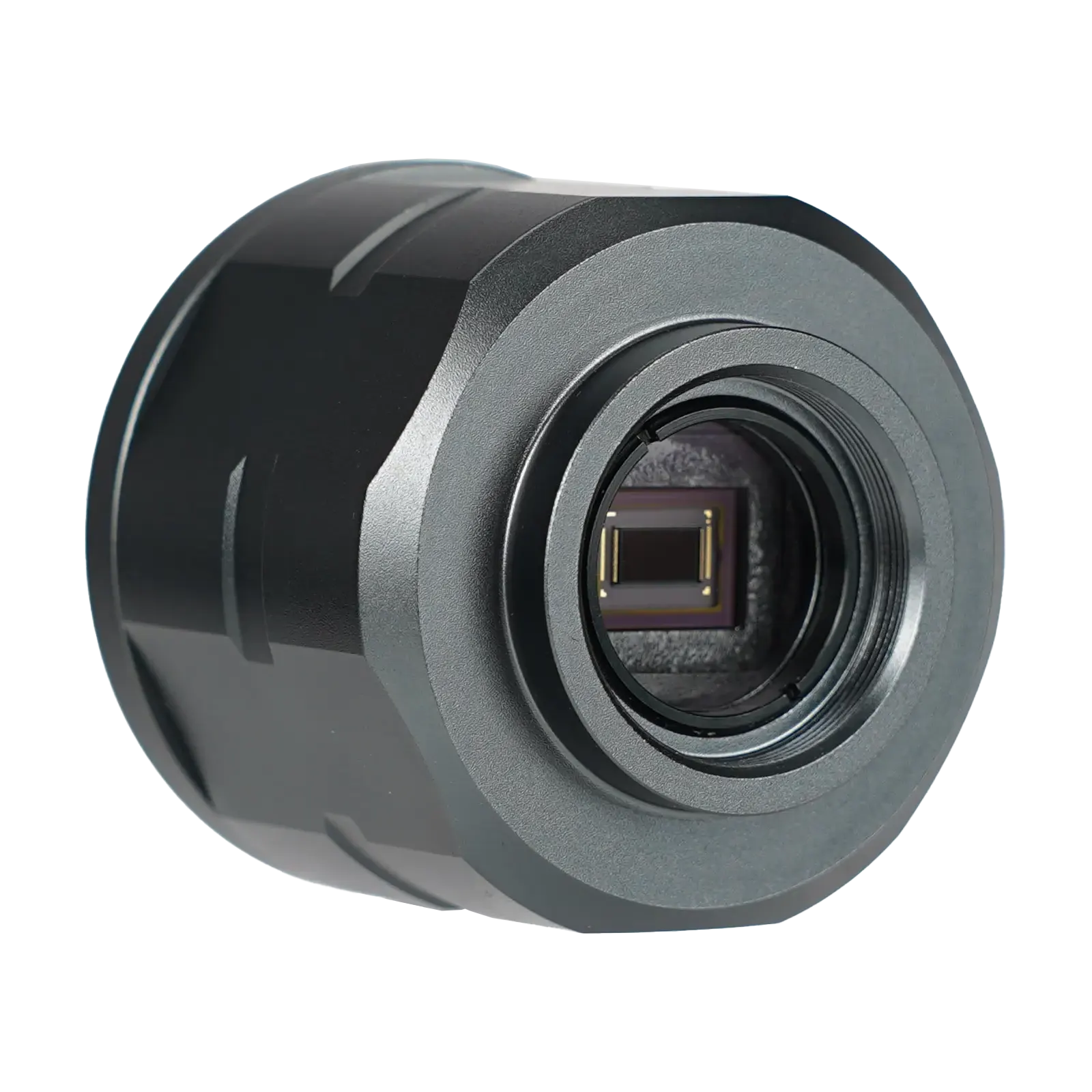
Zoom Function SC002 wifi spotting scope camera supports the zoom function, with Full, 1X, 2x, and 3x, total 4 different effects available for viewing. Since the clarity of the picture is reduced after digital magnification /zoom, the saved picture is the clearest original picture. SVBONY Cam APP SVBONY Cam is a free software application that can be downloaded from Google Play or Apple App Store. Users can connect SC002 and SC001 on the phone or tablet to view the observed images, or save photos or videos to the built-in TF card of the SC002 wifi electronic eyepiece camera, and then easily download the captured pictures/videos to share on social media and share with different friends in real time. Specifications Model SC002 Image Sensor CMOS Total Pixels 2 Mega Pixels Max Resolution 1920×1080 Sensor Size 1/2.7” Pixel size 3µm x 3 µm Wifi module 2.4G,150Mbps WiFi Transmission Range 10 meters/33 feet Data Cable Type-C Charging Data Cable Brightness Adjustable manually, 0-100(Initial 50) Battery Type Polymer Lithium Battery Battery Capacity 1500 mAh Video Output Format MP4 Video Frame Rate 25-30fps(Auto) Image Output Format JPG App Supported Languages English, French, German, Italian, Spanish, Russian, Japanese, Portuguese, Korean Color Black Material ABS Plastic Storage Card 32GB TF Card Encoding Format H.264 Working Humidity 20%RH-80%RH Storage Humidity 20%RH-95%RH Operating Temperature -10°C~50°C Storage Temperature -20°C~60°C Troubleshooting Common SC002 WiFi Camera Issues Our SC002 WiFi camera is designed for seamless use, but occasionally, permissions or minor bugs can cause hiccups. Here are solutions to the three most asked questions: Q1. “Unable to Open Camera” Cause:App permissions are blocked by your phone, or a temporary software glitch. Fix: Check permissions: Android: Go to Settings > Apps > Svbony Cam > Permissions. Enable Audio (and other requested permissions). iOS: Go to Settings > Svbony Cam > Enable Audio & Location. Still stuck? Restart the SC002 camera (power off and turn back on). Q2. “Unable to Take Photos/Videos” Cause:You accidentally denied Storage/Album access when the app first requested it. Fix: Grant album permissions manually: Android: Settings > Apps > Svbony Cam > Permissions > enable Storage. iOS: Settings > Svbony Cam > enable Photos Access. Reopen the app. Q3. “IP Address Stuck, Can’t Change” Cause:You denied Location/GPS permission during setup (needed for network configuration). Fix: Enable location access: Android: Settings > Location > enable for Svbony Cam. iOS: Settings > Privacy > Location Services > Svbony Cam > set to “While Using”. Restart the SC002 camera. Why Do These Errors Happen? The Svbony Cam APP requires three key permissions at first launch: Location (for network/IP setup), Audio (for audio features), Storage (for photos/albums). Most of the issues occur if any permission is denied. If all permissions are enabled but problems persist: Restart the SC002 camera → fixes most software bugs. No need to reinstall the app! Pro Tip: Always allow permissions during initial setup. Instruction Manual Svbony SC002 WiFi Camera_user_manual